Blog
What does 300 DPI actually mean?
Share this article:
When preparing an image for print, one of the most common terms you’ll come across is 300 DPI. But what does it actually mean?
DPI stands for dots per inch. In simple terms, it refers to how much detail your image has when it is printed. The more image information available in each inch, the sharper and cleaner your final print can look.
For high-quality photographic and fine art prints, 300 DPI at the final print size is what to aim for. This means your file should have enough resolution for the size you want to print, not just look sharp on your screen.
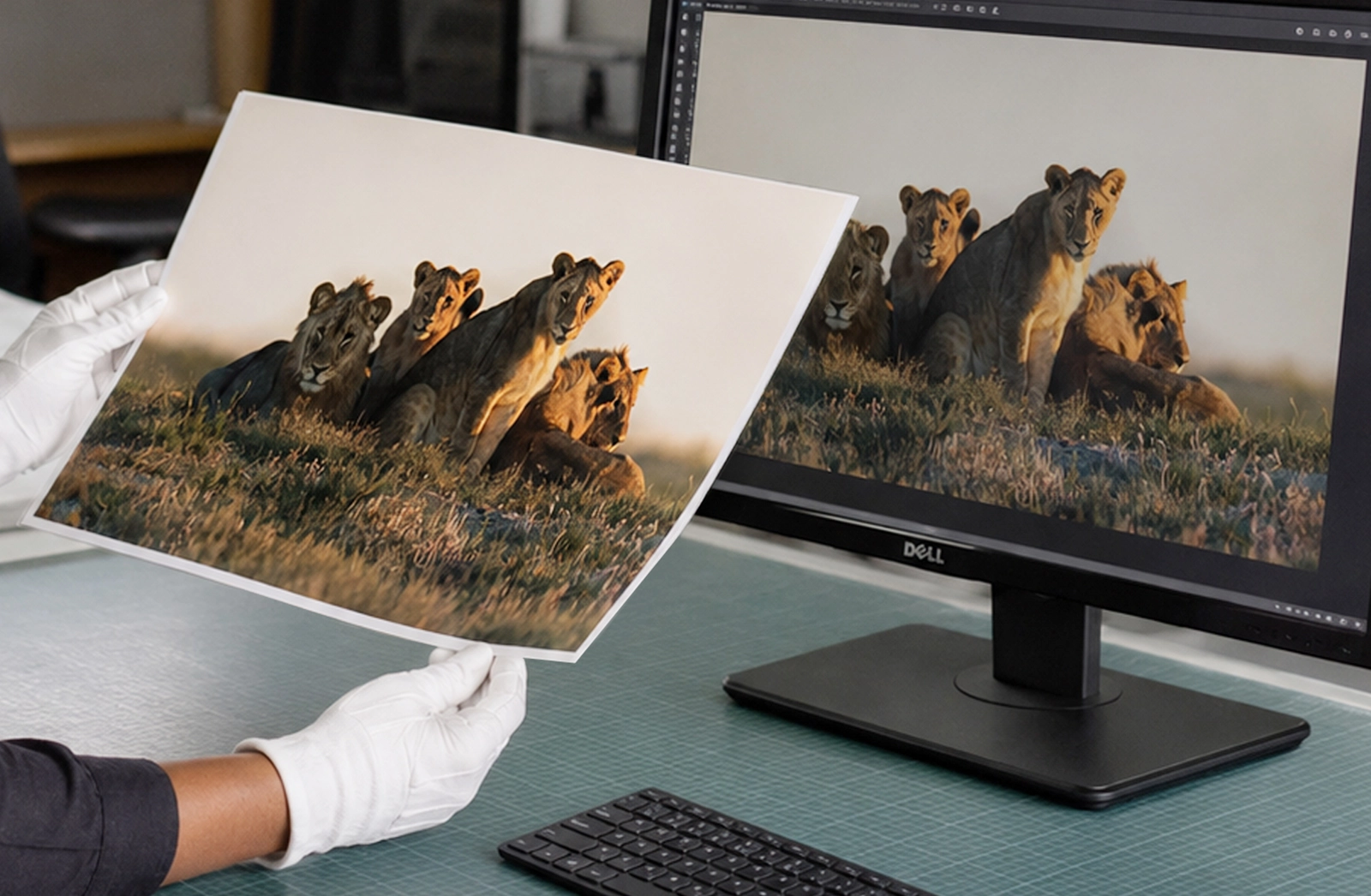
A common mistake is checking an image on a phone or laptop and assuming it will print well at any size. Screens can make images look sharper than they really are. A small image downloaded from social media might look fine on your phone, but once enlarged for print, it may appear soft, pixelated or blurry.
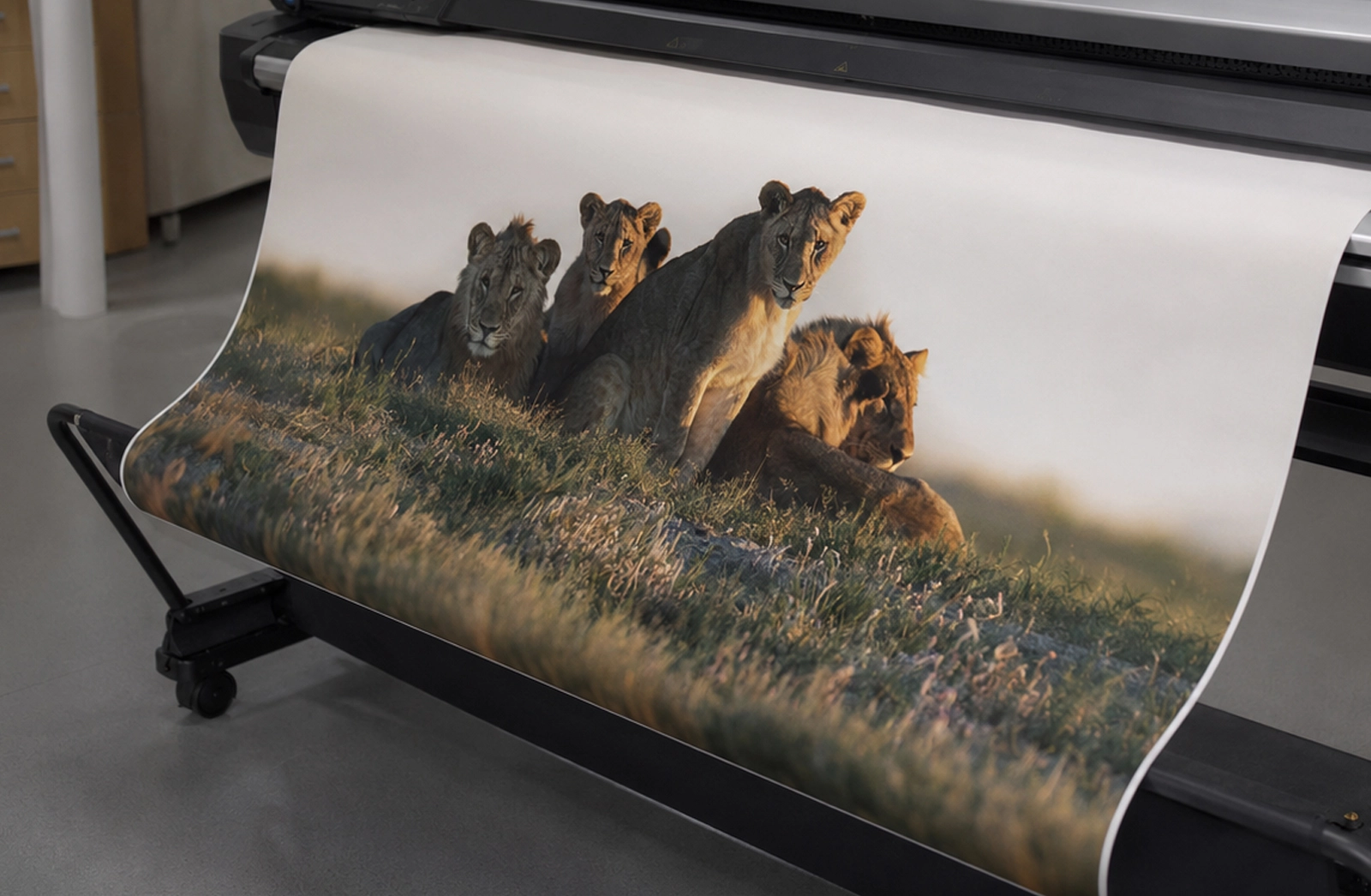
It’s also important to remember that DPI only matters in relation to print size. A file that prints beautifully at A5 may not have enough resolution for A1. The larger the print, the more image information you need.
Before printing, check:
- The size you want to print
- The pixel dimensions of your file
- Whether the image is 300 DPI at the final size
- Whether it still looks clean when viewed at 100%
For very large prints, detailed photo prints, artwork, portfolios and fine art printing, 300 DPI is the safest place to start.
Not sure whether your image is large enough to print? Send it to Orms Print Room & Framing and our team can help you check the best print size for your file.